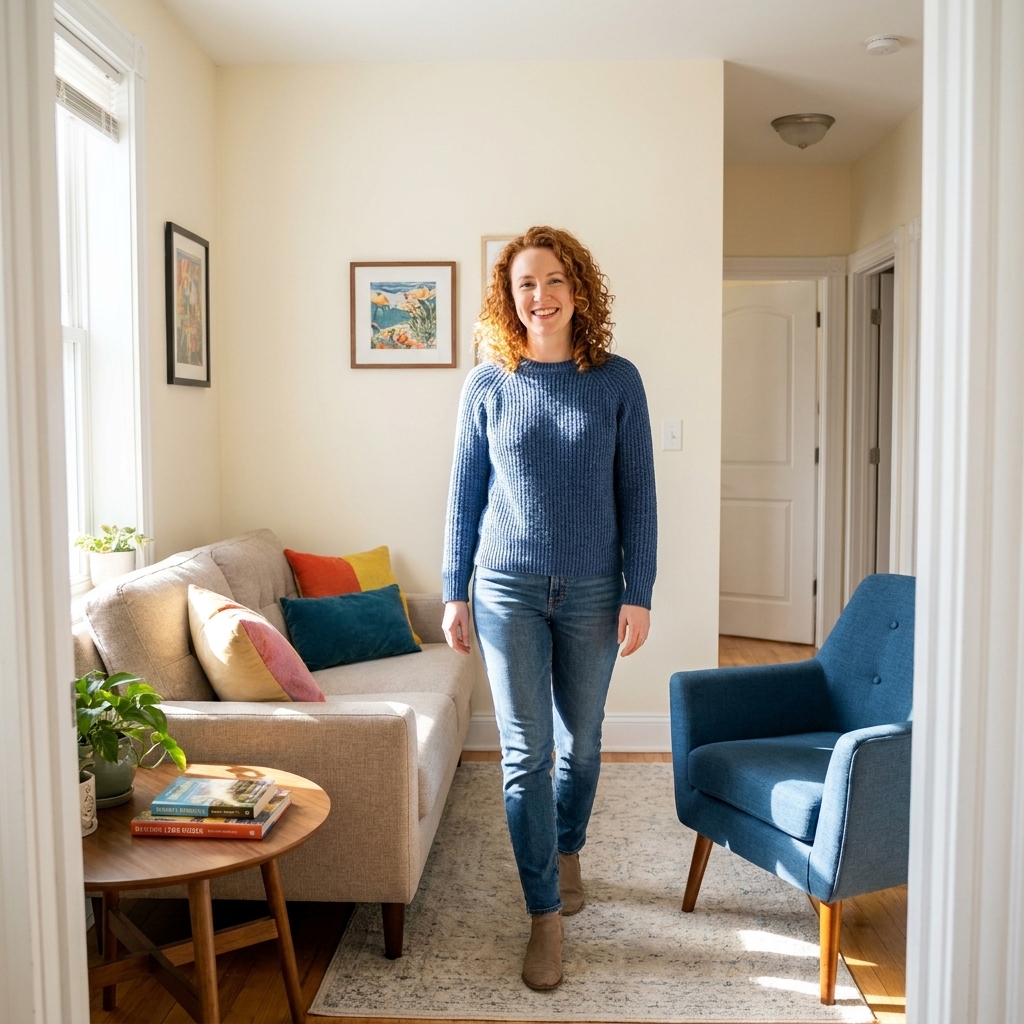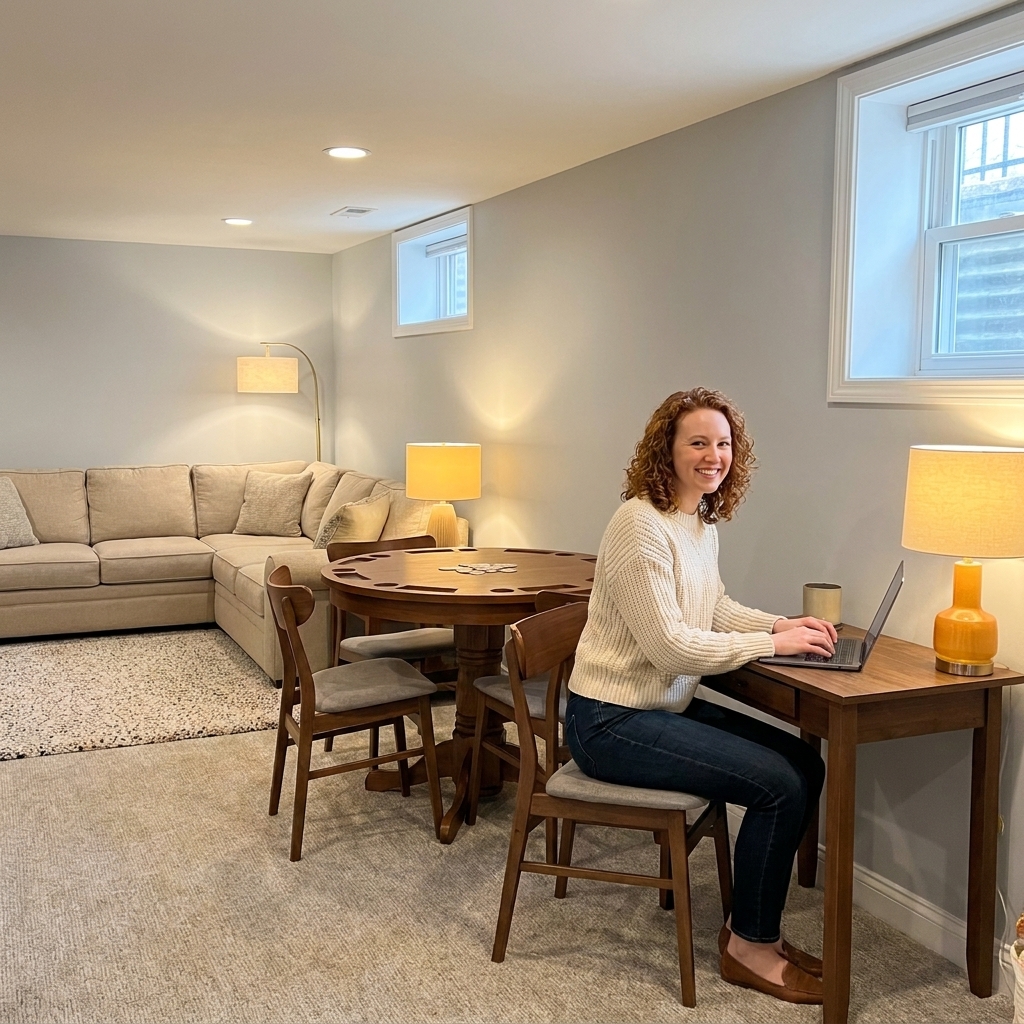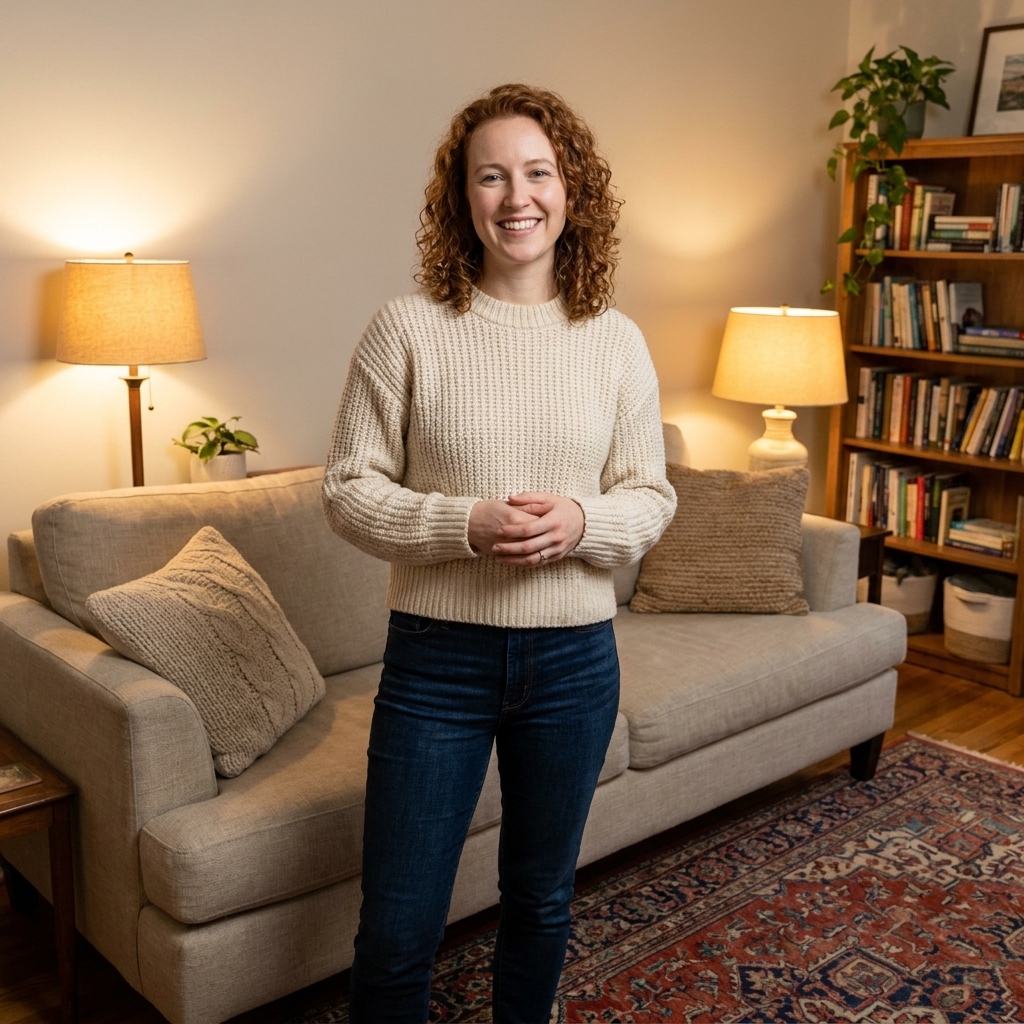
Clara Jenkins brings a theater set designer’s eye to real-life rooms. Explore Havitza Home’s approach: simple layouts, warm lighting, usable color palett...
Havitza Home
A Home Office That Works and Looks Good
Design a home office that supports your body and your style. Find smart desk placement, supportive seating, layered lighting, and decor that keeps your workspace calm.

Clara Jenkins
Clara Jenkins is a former theater set designer turned interior styling expert with over a decade of experience transforming everyday spaces into beautiful sanctuaries. Through her work at havitza.com, she shares practical styling tips, accessible furniture layouts, and inspiring color palettes to help anyone create a home they truly love.
Published October 17, 2026
Updated October 17, 2026
When I designed theater sets, I learned a quiet truth: if the stage layout fights the actor, the whole scene falls apart. Your home office is the same. The goal is not just a pretty desk, it is a space that supports your body for hours and still feels like you when you walk in with a cup of coffee.
Below is my approach for building a home office where ergonomics meets aesthetic decor: we start with placement, then seating, then lighting. After that, we add the styling layers that make it feel finished without turning your workspace into a clutter magnet.
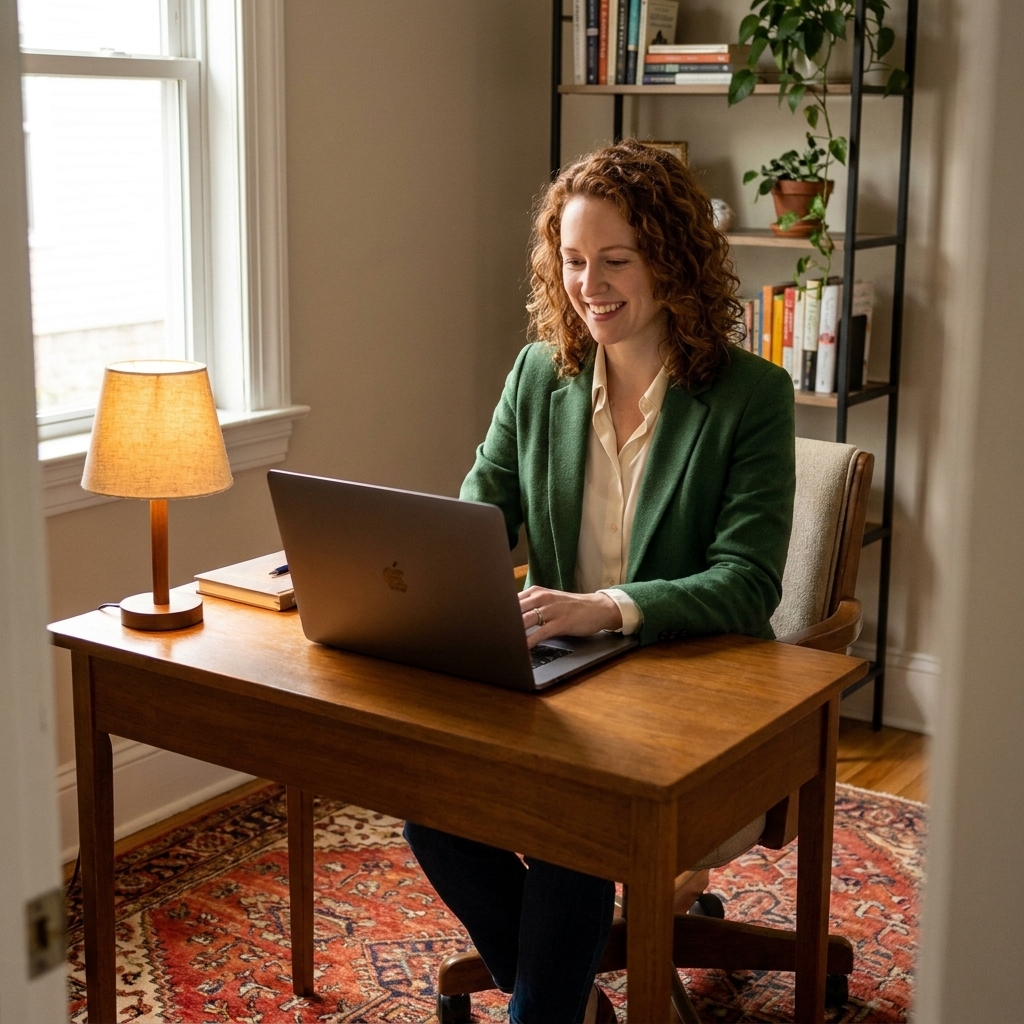
Start with the room: desk placement
Desk placement is the foundation. Get it right and your lighting improves, your posture improves, and the whole room feels calmer. Get it wrong and you will constantly fight glare, noise, and that nagging sense that you cannot settle in.
Find your best-light spot
Natural light is a gift, but it has to be controlled. Here are the three most common placements and when they work best:
- Perpendicular to a window (my favorite): Place your desk so the window is to your left or right. You get daylight without staring into it, and you avoid the silhouette effect on video calls.
- Facing a window: Lovely for mood and breaks, but watch for screen glare. This works best with a matte monitor, adjustable blinds, and a monitor hood if you are sensitive.
- Back to a window: Usually last choice because video calls can turn into a silhouette. If this is your only option, add a soft front light (more on that in the lighting section).
Left handed? Flip the usual advice. You may prefer the window on your right to reduce hand shadows while writing.

Plan for the walkway
I like to imagine the main path through the room as a backstage corridor. You do not want traffic brushing your chair every time someone passes, even if it is just you carrying laundry.
- Aim for about 30 inches behind your chair for comfortable movement when you can.
- If your chair backs into a wall, treat 6 to 10 inches as a tight-space minimum. More is better if you have it, especially with bulkier chairs.
- In small rooms, consider a slimmer desk (about 18 to 20 inches deep) for laptop setups or for a monitor on an arm. If you work with a monitor plus keyboard on the desktop, many people prefer 24 to 30 inches for comfortable viewing distance and hand placement.
Use sightlines, not rules
In theater, actors feel more confident when they can see the stage picture. In a home office, many people focus better when they can see the door. Think of it as a sightline and comfort choice, not a strict rule or a mystical mandate.
If your room is truly limited, do not stress. Add a mirror where it reflects the entry behind you, or use a taller plant on the corner of your desk to soften that exposed feeling.
Choose a chair that supports you
A stylish chair is not a luxury, it is a daily tool. I have seen so many lovely offices derailed by a dining chair that looks perfect and feels like a dare.
Ergonomics essentials
When you are shopping, ignore buzzwords and check for these features instead:
- Adjustable height: Your feet should rest flat on the floor with knees roughly at 90 degrees.
- Lumbar support: Built-in or added with a slim lumbar pillow. Your lower back should feel gently held, not pushed.
- Seat depth that fits you: You want about 2 to 4 inches (5 to 10 cm) between the front edge of the seat and the back of your knees. The quick version is about 2 to 3 finger widths.
- Armrests (if you like them): Ideally adjustable so your shoulders can relax, elbows near 90 degrees, wrists neutral at the keyboard.
Quick fit check: Sit all the way back. If you cannot keep your feet down, add a footrest. A sturdy box covered in a pretty fabric works in a pinch.
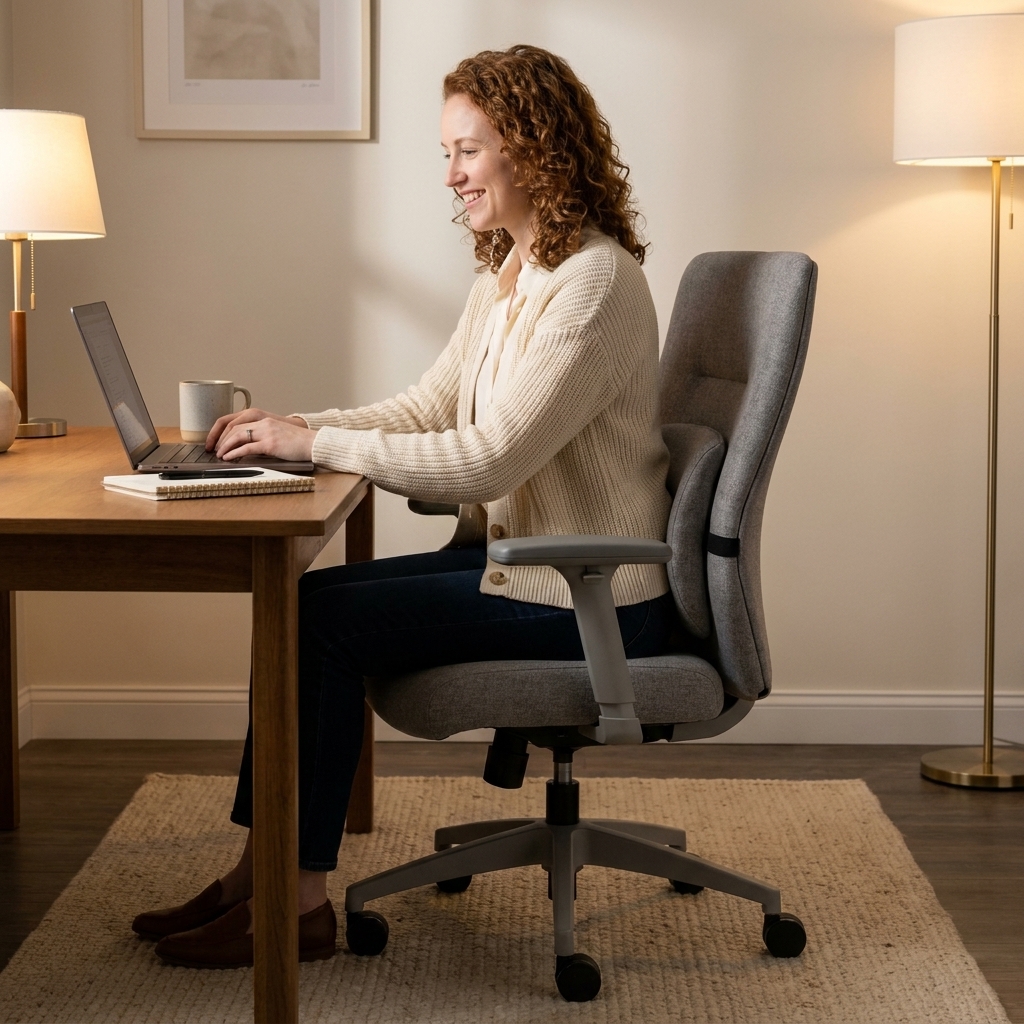
Make it look intentional
If a traditional task chair clashes with your style, you have options that still feel cohesive:
- Upholstered ergonomic chair: Look for fabric or leather-look upholstery in warm neutrals, muted greens, or inky blues. It reads more living room than corporate.
- Slipcover hack: A well-fitted slipcover can visually soften a technical chair. Choose a textured weave, not a shiny fabric.
- Pair function with a decor-forward add-on: A tactile lumbar pillow, a soft throw over the chair back, and a vintage rug underneath can make even a basic chair feel styled.
What I would skip: Backless stools, hard accent chairs, and anything labeled occasional seating if you plan to work daily.
Layer lighting for focus and mood
Lighting is where ergonomics and aesthetics hold hands. Your eyes need clarity, your nervous system needs warmth, and your space needs depth so it does not feel flat.
Layer 1: ambient
This is your overall light source, usually an overhead fixture. If you can, put it on a dimmer. If you cannot, use warm bulbs and let lamps do the heavy lifting.
- For a cozy, home-forward feel, start in the 2700K to 3000K range.
- If you do detailed work during the day and want crisper clarity, you might prefer something slightly cooler, around 3500K. It is personal, and you can mix temperatures by time of day.
- If your overhead light is harsh, add a soft flush mount or a shade that diffuses light instead of exposing bare bulbs.
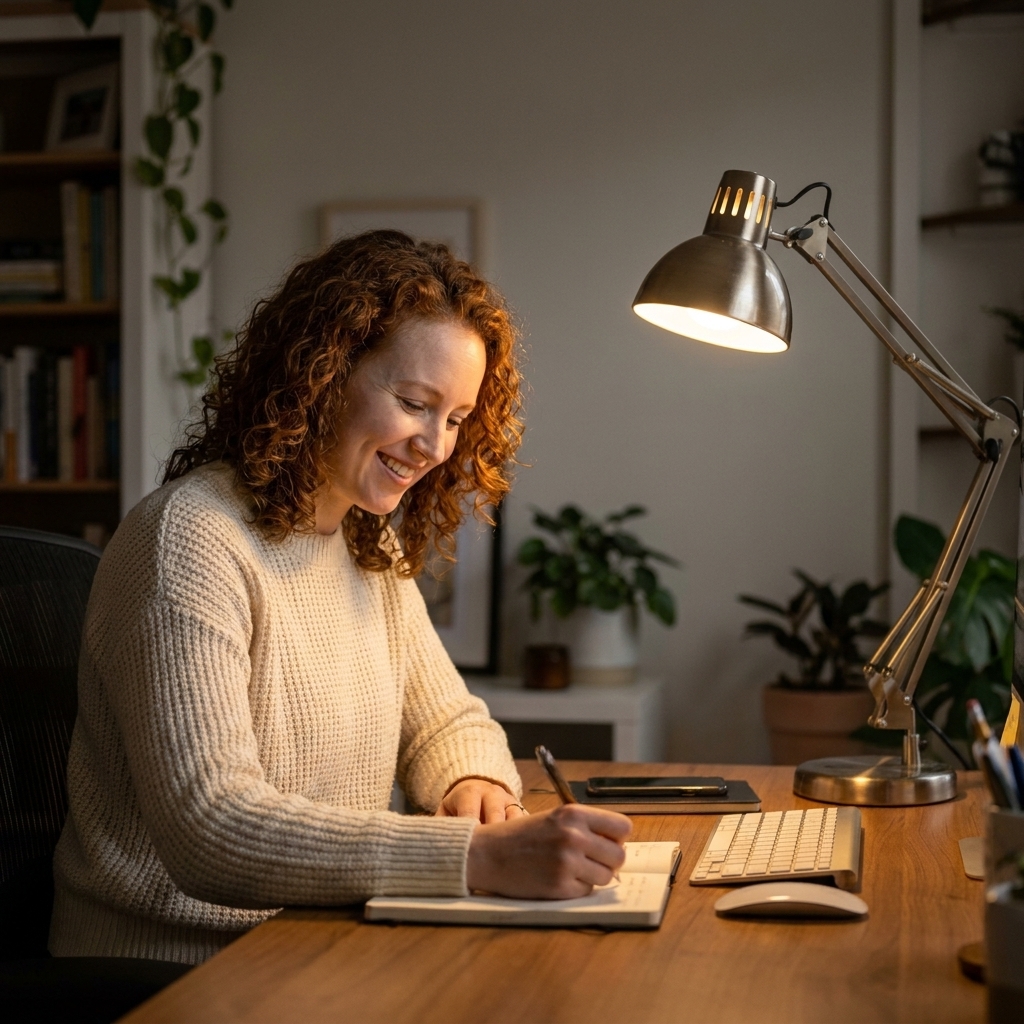
Layer 2: task
Task lighting reduces eye strain and helps you stay focused, especially at night.
- Use an adjustable desk lamp with a shade that directs light downward.
- Place it on the opposite side of your writing hand to reduce shadows.
- Aim for bright but not glaring. If your lamp creates a shiny hotspot on your desk, switch to a softer bulb or a more opaque shade.
Layer 3: accent
This is the layer that makes your home office feel like part of your home. It also reduces contrast between a bright screen and a dark room, which can feel more comfortable over a long session.
- Floor lamp in a corner: Adds height and softens shadows.
- Picture light or small sconce: Makes art feel intentional and elevates the room instantly.
- Soft backlight behind a monitor: A small lamp on a console behind you or an LED bias light can help soften the screen-to-room contrast.
Video call bonus: If you are often on camera, put a warm lamp slightly in front of you and off to the side so your face is evenly lit.
Set ergonomics in 10 minutes
This is the part that sounds fussy, but it is the fastest way to make your office feel better immediately.
Desk and keyboard height
- When typing, your forearms should be roughly parallel to the floor.
- Wrists should be neutral, not bent up. If your desk is high, lower the chair and add a footrest.
- If your desk is too low, raise it with furniture risers or use a keyboard tray if that suits your setup.
Monitor placement
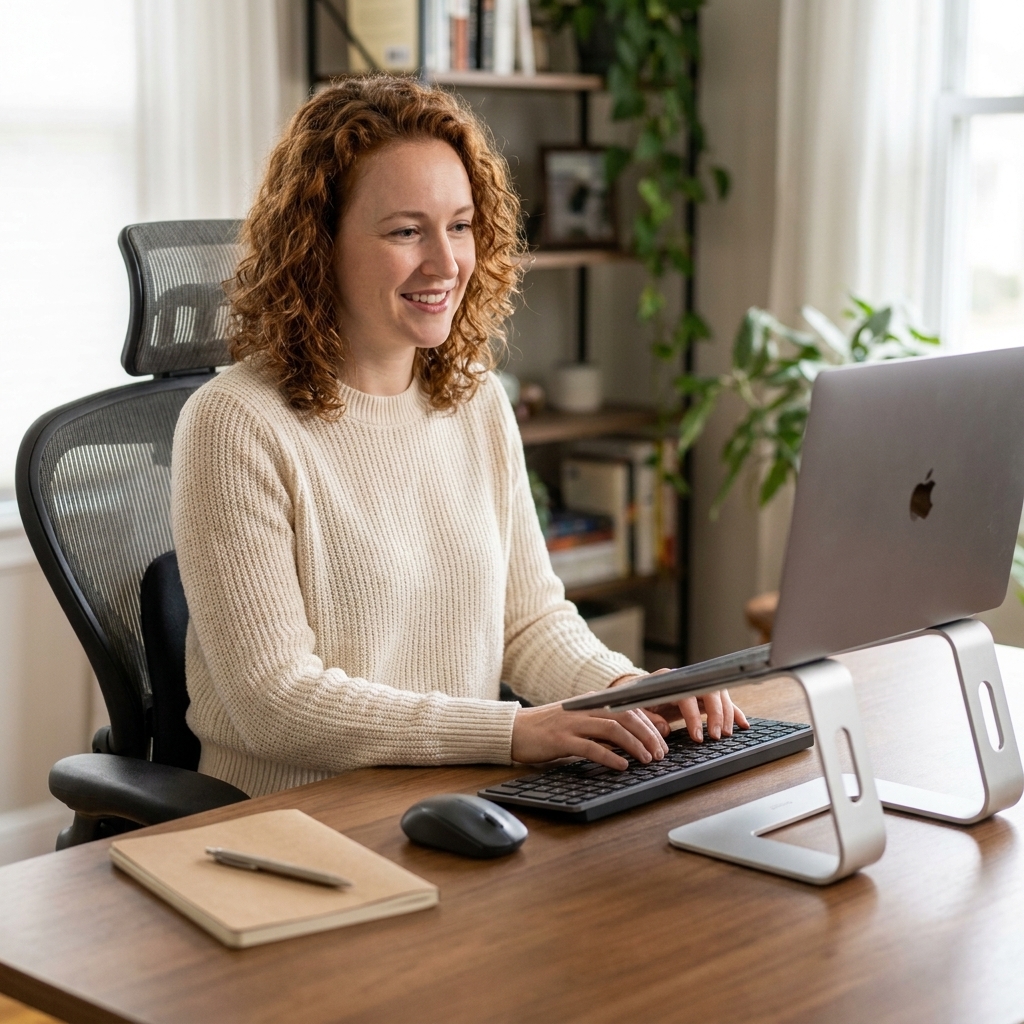
- Top of the screen at or slightly below eye level.
- Monitor about an arm’s length away, then adjust based on comfort and text size.
- If you use a laptop all day, add a laptop stand plus a separate keyboard and mouse. It is the simplest posture upgrade I know.
Make it beautiful: decor that works
Now we dress the set. The trick is choosing decor that earns its place. When every object has a job, your space stays calming instead of chaotic.
Choose a palette with purpose
Color is emotional lighting. Pick one of these directions and run with it:
- Warm neutrals (creams, camel, soft terracotta): Great for long workdays and a cozy, grounded feel.
- Cool calm (sage, dusty blue, stone gray): Helps with focus and visual rest, especially in bright rooms.
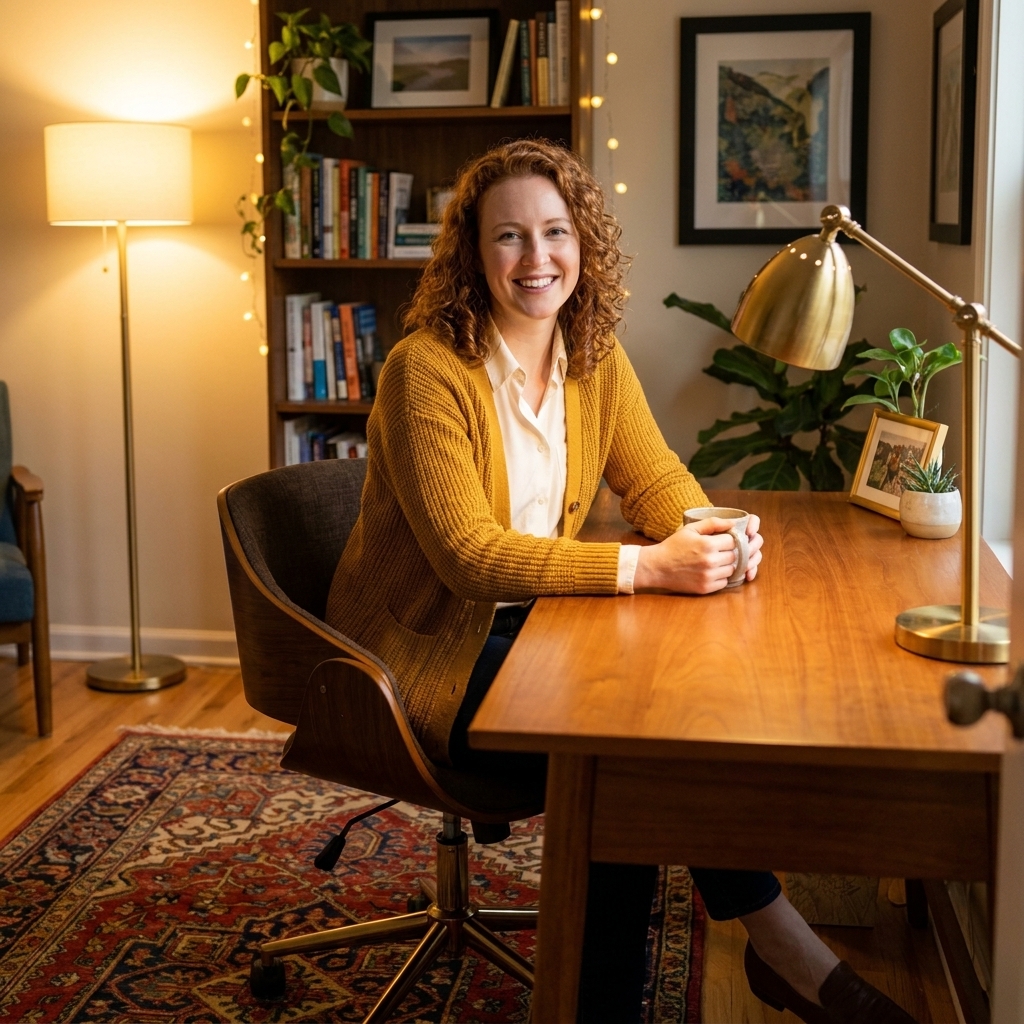
- High contrast (ink, walnut, brass accents): Dramatic and energizing, best balanced with warm lighting and a soft rug.
If you are unsure, start with the rug. Yes, I am biased. A vintage-style rug sets the tone and gives you a palette to pull from for art, pillows, and storage.
Storage that reads like furniture
Office storage often looks like office storage. For a homey feel, look for pieces that could live in a dining room or bedroom:
- Low credenza: Hides printers, paper, and cords. Doubles as a styling surface.
- Closed baskets on shelves: Soft texture, instant visual calm.
- Wall-mounted shelves: Keeps the floor open in small rooms, makes the office feel lighter.
My favorite rule: Keep the most-used items within arm’s reach, and hide the rest behind doors or in bins. Your eyes relax when they have fewer decisions to make.
Soft layers that earn their keep
- Rug: Adds warmth, reduces echo, and anchors the desk zone.
- Curtains or shades: Softens light and improves acoustics for calls.
- One cozy textile: A wool throw over the chair or a linen cushion on a reading chair makes the office feel less transactional.
Sound and privacy basics
If your work involves calls, sound is part of comfort. You do not need a studio, just a few soft surfaces and smart placement.
- Soften the room: A rug and curtains do more than you think, especially in rooms with bare floors.
- Use a bookcase as a buffer: A shelf behind you or on a shared wall can help break up echo and add a little privacy.
- Seal the gap: A simple draft stopper at the door can reduce hallway noise and make the room feel more contained.
Small-space setups
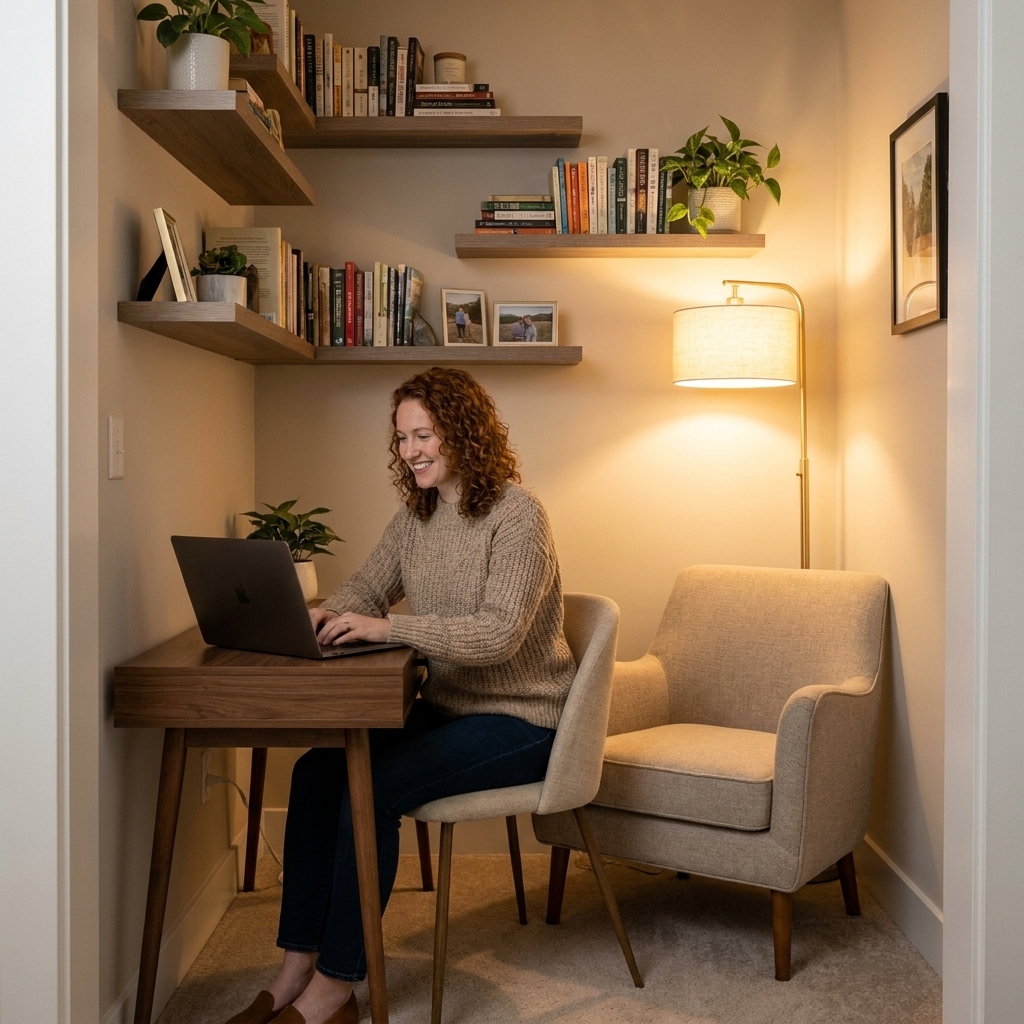
If your home office is a corner, a closet, or the end of a dining table, you can still get the ergonomics and the mood right.
Closet office
- Install a shallow desk surface and a small sconce or puck light.
- Paint the back wall a deeper tone to create depth and a sense of purpose.
- Add a small rug runner right outside the closet to make it feel like a zone.
Living room corner
- Use a desk that looks like a console table.
- Anchor the setup with a rug that relates to the living room palette.
- Add a pretty box or lidded basket so you can close work at the end of the day.
Bedroom workspace
- Keep lighting warm and soft, and avoid harsh overhead light at night.
- Choose calming colors and minimal desk clutter to protect sleep energy.
- If possible, face the desk away from the bed so work is not the first thing you see.
Finishing touches
This is where the space stops looking like a catalog and starts feeling like home.
- One piece of art you love: Hang it at eye level where you can see it during breaks.
- A real plant or a convincing faux: Adds softness and a little visual relief.
- A tray for small items: Corrals pens, clips, and earbuds so they do not migrate across the desk.
- Cable control and charging: Decide where power lives before you style. A cord box, adhesive clips, and a mounted power strip under the desk make everything look cleaner instantly.
One more ergonomic truth that is not about furniture at all: take micro-breaks. Stand up, look across the room, roll your shoulders, then come back. Even a minute resets the body.
If you take nothing else from this, take this: comfort is a decorating tool. When your chair supports you, your light flatters you, and your desk sits in the right spot, your style choices get to shine because you are not busy fighting the room.
Quick checklist
- Desk placed for daylight without glare (often perpendicular to a window)
- Enough space to move behind the chair (aim for about 30 inches when possible)
- Chair adjusted so feet are flat, knees near 90 degrees, lower back supported
- Monitor near eye level, about an arm’s length away
- Layered lighting: ambient + task + accent
- Rug and textiles for warmth, echo control, and comfort
- Closed storage for visual calm
- Cables and charging planned, not improvised
- One personal styling moment (art, object, or plant) that makes you smile