Ergonomics meets aesthetic decor with desk placement, supportive seating, layered lighting, and small upgrades you can actually live with.
Havitza Home
Ergonomic Home Office Layout
Set up a home office that supports your body and your focus. Learn where to place your desk, chair, and storage for better light, less glare, and a smoother daily workflow.

Clara Jenkins
Clara Jenkins is a former theater set designer turned interior styling expert with over a decade of experience transforming everyday spaces into beautiful sanctuaries. Through her work at havitza.com, she shares practical styling tips, accessible furniture layouts, and inspiring color palettes to help anyone create a home they truly love.
Published October 17, 2026
Updated October 17, 2026
When I was designing theater sets, I learned quickly that the smallest shift in placement could change everything: how an actor moved, where the audience looked, whether a scene felt calm or frantic. Your home office works the same way. A good ergonomic layout is not just “where the desk fits.” It is a choreography between light, reach, posture, and focus.
Below is my no-fuss method for placing your desk, chair, and storage so your body feels supported and your workday flows with less friction.
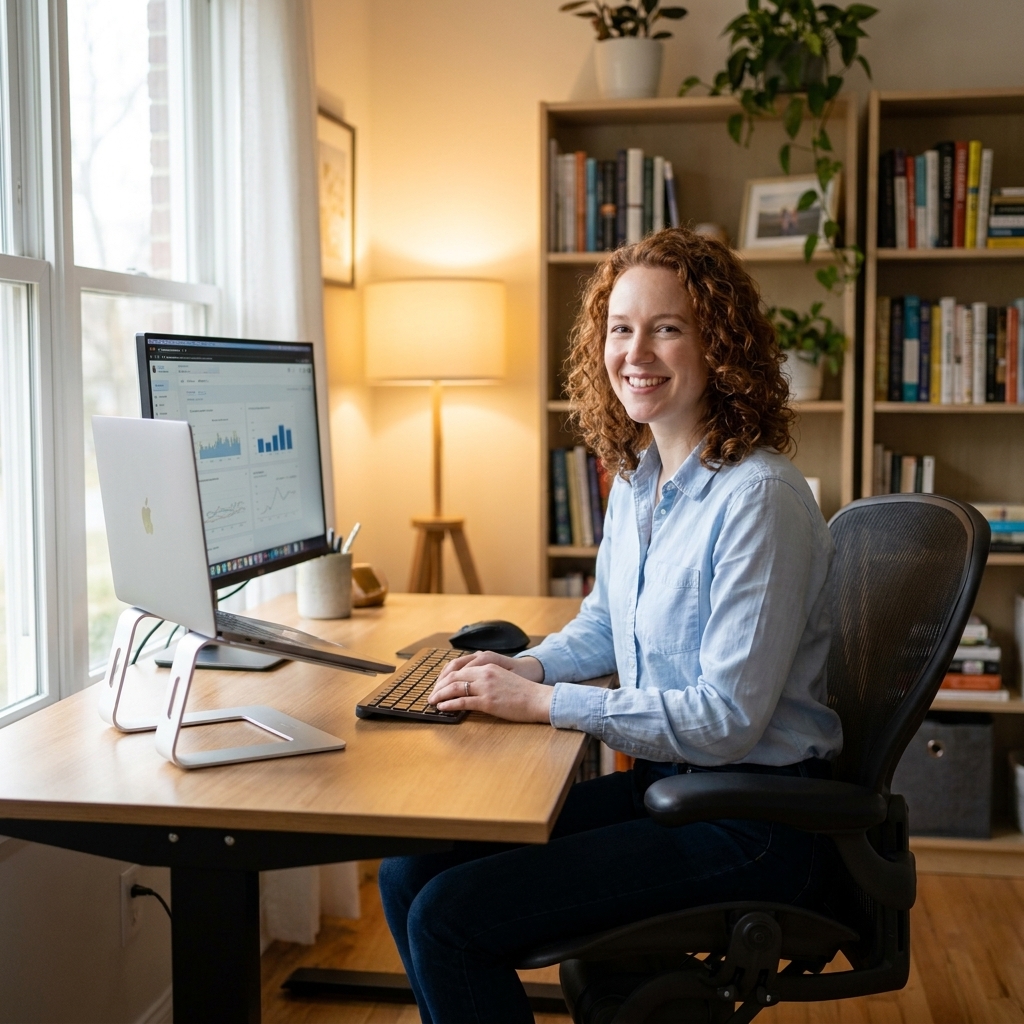
Start with the three zones
Before you move a single piece of furniture, picture your office in three zones. This is the simplest way to make ergonomics feel practical instead of fussy.
- Work zone: desk, chair, monitor, keyboard, mouse, task light. This is the “sit and produce” area.
- Reach zone: items you grab often: notebook, pens, charger, headphones, water, scanner, printer if you use it daily.
- Support zone: storage, filing, reference books, supplies, décor, and anything you need weekly, not hourly.
Your goal is to keep the work zone clean, the reach zone within one arm’s length, and the support zone far enough away that you are not repeatedly twisting while seated.
Desk placement and glare
Natural light can boost mood and alertness for many people, but only if you use it wisely. The best desk position depends on what your windows are doing across the day.
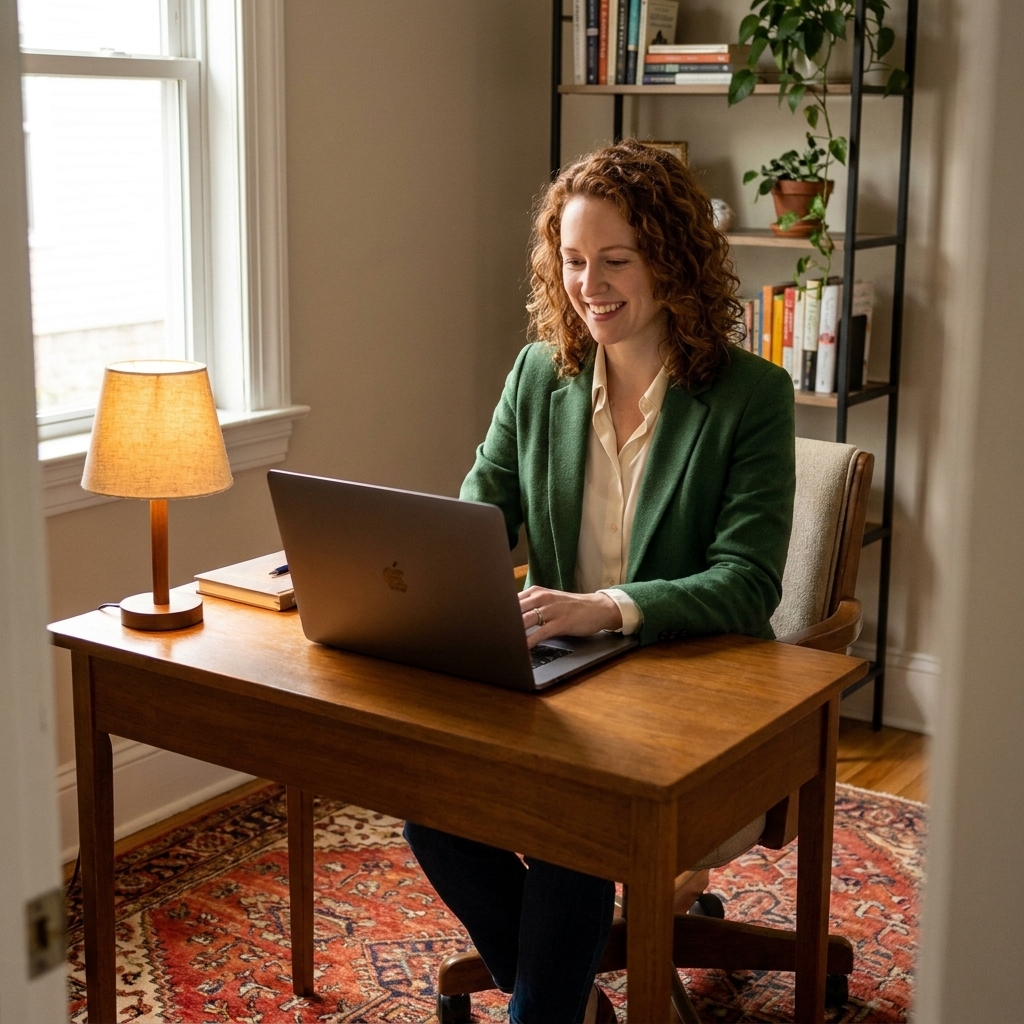
A reliable starting point: perpendicular to the window
If you can, start by placing your desk so the window is to your left or right, not directly in front of you and not behind you. It is often the most reliable way to get bright, even light without forcing your screen to fight the sun.
- Window in front of you: you may get squinting, washed-out screens, and that “staring into the sky” effect.
- Window behind you: you can create backlight and glare, plus you may show up as a silhouette on video calls.
Left side or right side?
Choose the side that creates fewer shadows on your main work surface.
- If you write by hand a lot and you are right-handed, light from the left often reduces hand shadows.
- If you are left-handed, light from the right usually feels better.
If you only have one possible wall
Sometimes a room gives you one realistic desk wall and that is it. In that case:
- Add a sheer curtain to soften harsh daylight.
- Use an anti-glare screen filter if your monitor must face the window.
- Angle the monitor so it is not squarely facing the brightest light source, and try to match screen brightness to the room brightness so your eyes do not work overtime.

Chair, desk, and screen basics
Layout is only half the ergonomic story. The other half is how your body meets the furniture. Here are the settings I treat as baseline before I style anything.
Chair first, then desk
Most people do the opposite and end up raising their shoulders all day. Set the chair where your body is happiest, then adjust the desk setup around it.
- Feet: flat on the floor. If your feet dangle, use a footrest or a sturdy box that does not slide.
- Knees: about 90 degrees, with a little breathing room between the back of your knees and the seat edge.
- Hips: a slightly open hip angle can feel good for many people. If raising your seat makes you feel more supported, aim for hips a touch higher than knees, and use a footrest so your feet stay grounded.
- Lower back: supported. Use built-in lumbar support or a small cushion.
- Elbows: close to your sides, around 90 degrees when typing.
- Shoulders: relaxed, not creeping up toward your ears.
Desk and keyboard height
Once the chair is set, bring the desk to you.
- Forearms: roughly parallel to the floor when you type.
- Wrists: neutral, not bent up or collapsed down. If you tend to perch your wrists, pull the keyboard a bit closer and keep your elbows by your sides.
- Surface height reality check: if your desk is too high and cannot adjust, raise your chair and add a footrest. If your desk is too low, a keyboard tray or a slightly higher chair plus a cushion can help, as long as your shoulders stay relaxed.
Monitor placement that saves your neck
- Distance: roughly an arm’s length away.
- Height: the top of the screen at or slightly below eye level, so your gaze naturally falls a little downward.
- Laptop users: if you work more than an hour at a time, use a laptop stand plus an external keyboard and mouse. It is the easiest upgrade for comfort.
If you use two monitors
- Primary screen: center it in front of you.
- Secondary screen: place it just to the side and angle it in, like it is leaning into the conversation.
- Heights: keep the tops aligned as closely as you can to reduce neck tilting.
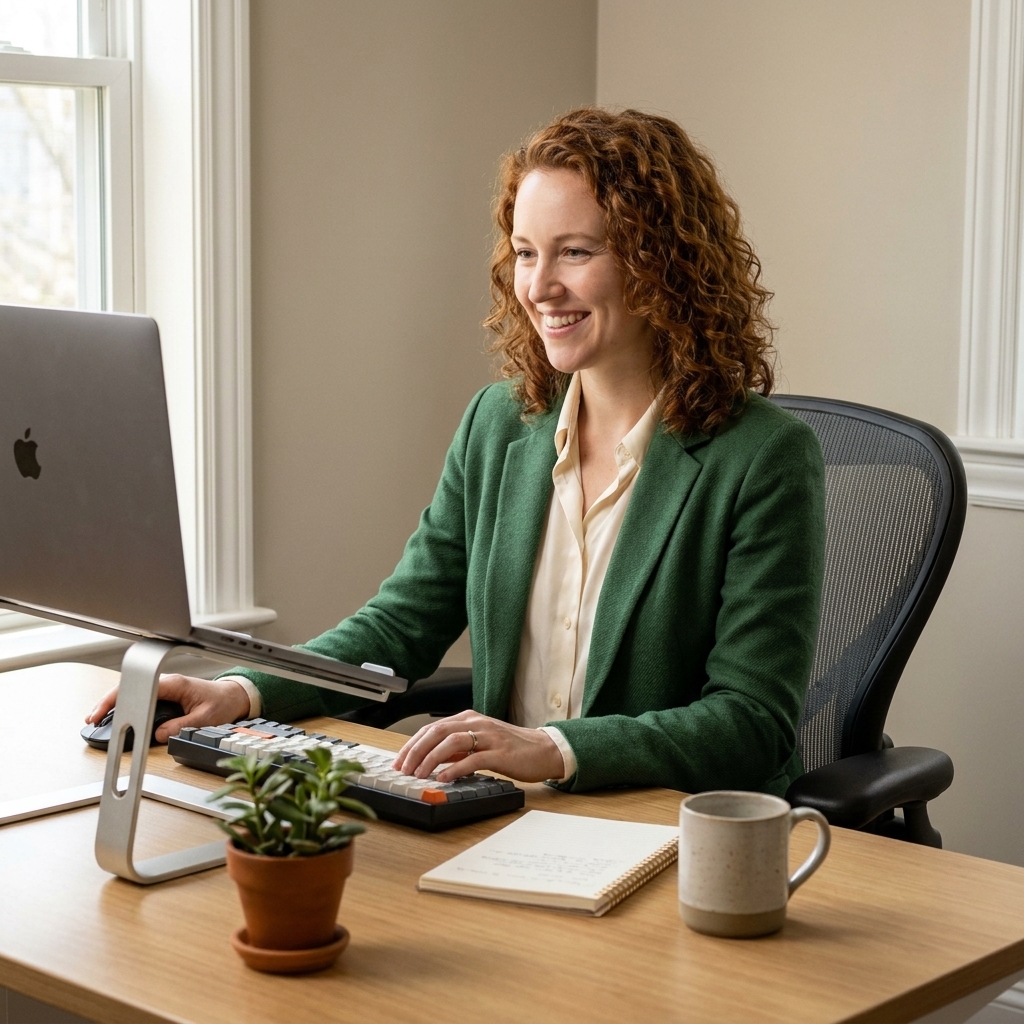
Storage and workflow
This is where productivity quietly lives. If your printer is across the room and your notebook is buried in a drawer behind you, you will feel it all day.
Use the one swivel rule
Put your most-used supplies where you can reach them with one easy swivel of the chair, not a stand-up-and-walk. Pens, sticky notes, planner, charging cable, headphones, the little things that interrupt focus when they go missing.
Go vertical to save desktop space
A clear desktop helps your brain exhale. Vertical storage gives you function without the sprawl.
- A narrow bookcase beside the desk for binders and reference items.
- A wall shelf above the support zone for supplies you use weekly.
- A file cabinet that doubles as a side table for your lamp or a plant.
A layout that fits most rooms
- Desk: perpendicular to the window when possible, with a walkway behind you.
- Storage: one tall piece on the far side (support zone) and one small piece within arm’s reach (reach zone).
- Printer: only within reach if you use it daily. Otherwise, move it to the support zone to free up prime space.
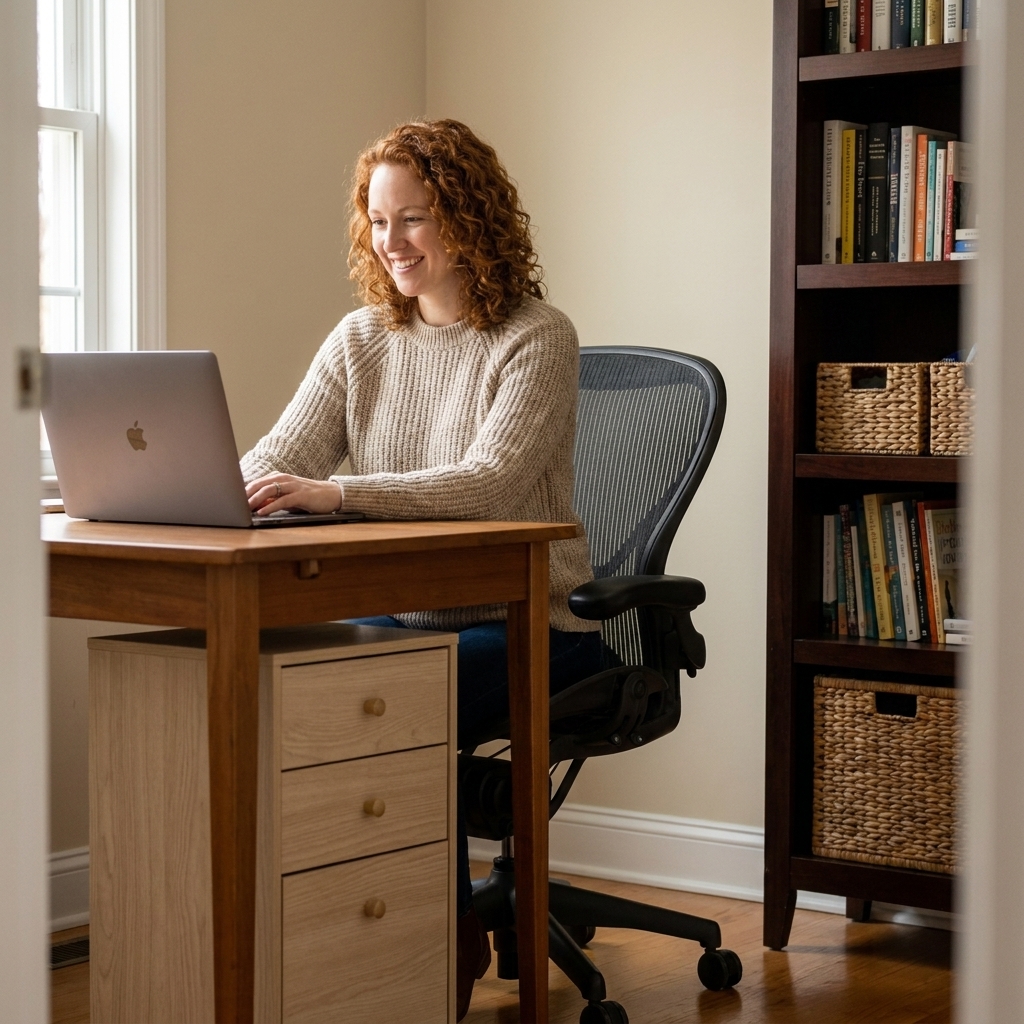
Lighting that supports focus
I am slightly obsessed with warm lighting, but for work, you want a mix. The trick is layering so your eyes do not bounce between a bright screen and a dim room.
Layer three lights
- Daylight: your window, softened with a sheer if needed.
- Task light: a desk lamp aimed at the work surface, not into your eyes. Place it opposite your writing hand to reduce shadows.
- Ambient light: a floor lamp or wall sconce that lifts overall room brightness, especially in late afternoon.
Video call tip
If you do calls often, add a soft lamp behind your monitor or slightly off to the side so your face is gently lit. Avoid a bright window directly behind you if you can.
Space and movement
Ergonomics is not only about sitting. It is also about how easily you can move without bumping, twisting, or perching on the edge of your chair.
- Chair clearance: leave enough space behind your chair to roll back comfortably. If you are constantly scooting sideways to exit, something is too tight.
- Cable routes: keep cords hugging the wall or underside of the desk so your feet have a clean landing zone.
- Micro-movement: place the trash can, water, or a reference shelf far enough away that you stand up a few times a day. Even without a standing desk, switching positions and taking short movement breaks helps many bodies stay happier.
Room layout ideas
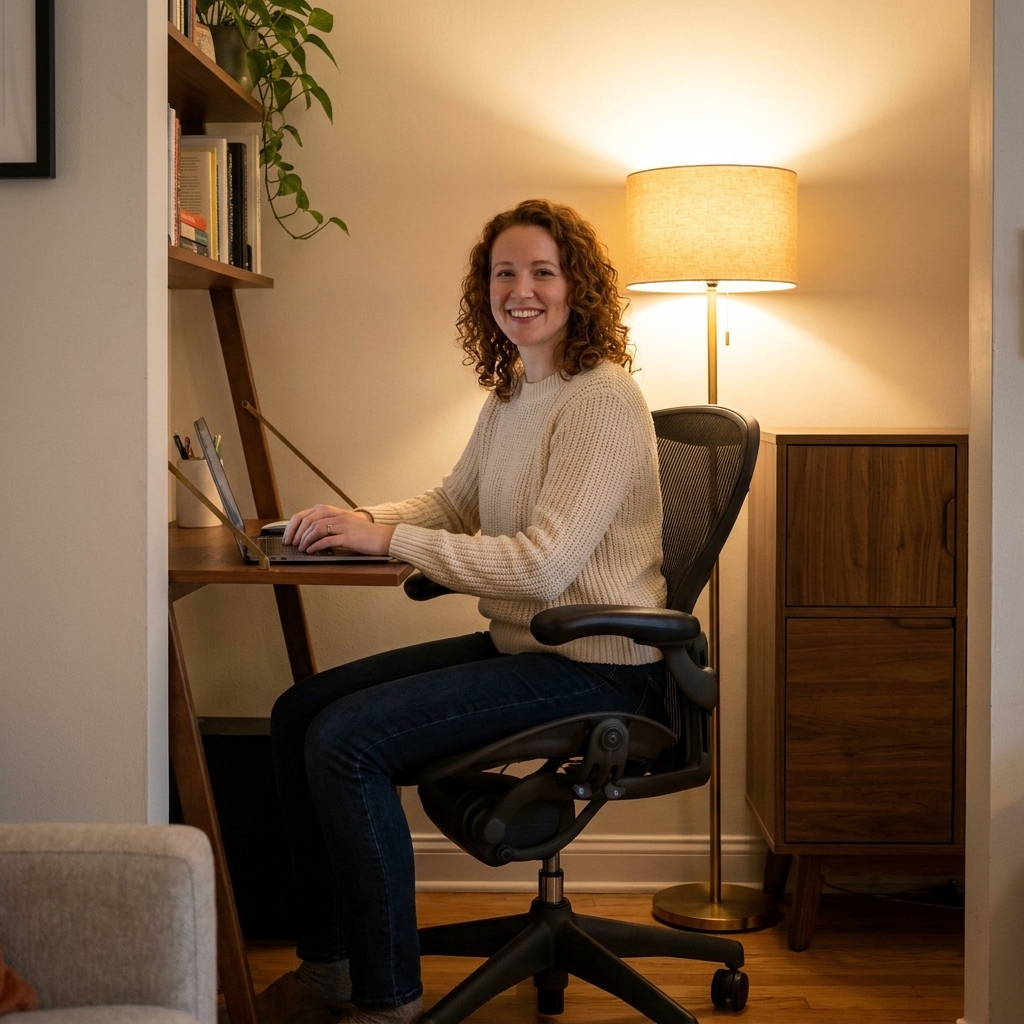
Small bedroom corner
- Use a compact desk placed perpendicular to the window when you can.
- Choose a chair that supports your back, then add a slim lumbar cushion if needed.
- Add a wall shelf above the desk for supplies, keeping the desktop open.
Living room nook
- Float the desk behind a sofa if it creates a natural work boundary.
- Use a closed cabinet or credenza nearby to hide work clutter after hours.
- Bring in a rug to visually anchor the office zone and soften sound.
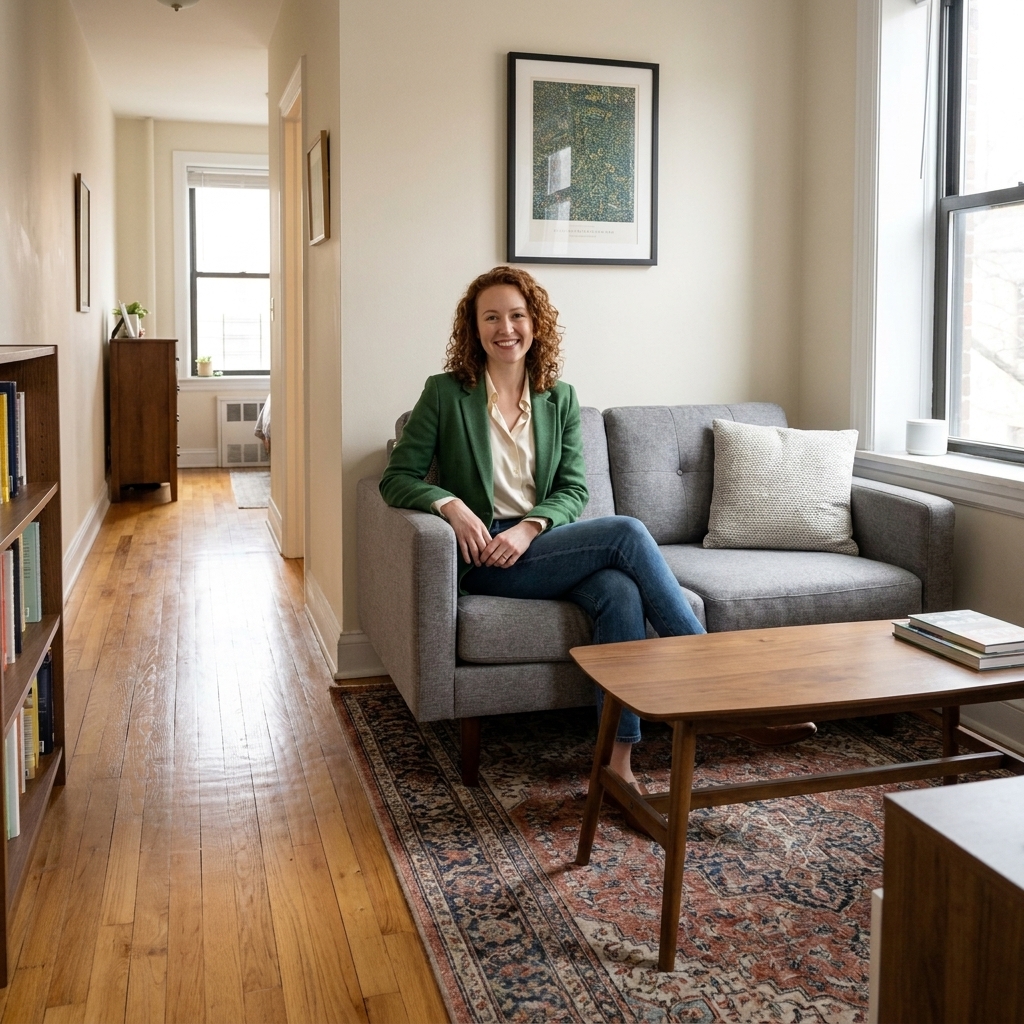
Long, narrow room
- Place the desk along the longer wall, and try to keep your screen from facing the brightest window head-on.
- Run storage along the opposite wall to maintain a clear center pathway.
Fix common issues
If your screen looks shiny
- Rotate the desk so the window is at your side.
- Lower the shade or add a sheer curtain.
- Move the monitor slightly farther from the window and reduce overhead glare.
If your neck hurts
- Raise the monitor or laptop so you are not looking down.
- Bring the screen closer so you are not craning forward.
- Check that your chair supports your lower back so your spine can stack naturally.
If your shoulders feel tense
- Lower your keyboard and mouse surface, or raise your chair and add a footrest.
- Keep elbows close to your body, not winged out.
- Try armrests lightly supporting your forearms, not pushing shoulders up.
Finishing touches
Once the layout is working, then you get to make it yours. This is the part I love most. A functional office should still feel like a room you want to be in.
- A vintage-style rug: it warms up the space visually and helps absorb sound during calls.
- Tactile fabrics: a linen curtain, a soft chair cushion, or a textured throw nearby makes the room feel less sterile.
- A landing tray: a small tray for earbuds, a flash drive, and loose bits that otherwise roam your desk.
- One calm focal point: a framed print, a plant, or a small lamp in your peripheral vision so your eyes can rest.
FAQ
Should my desk face the wall or the room?
If facing the wall helps you focus, go for it. Ergonomically, what matters most is where the window sits relative to your screen and whether you have enough chair clearance. If you face the room and get distracted, add a low shelf or a plant to soften your sightline without closing the space off.
What is the best desk position with two windows?
Try to keep your monitor perpendicular to the brighter window as a starting point. If light hits from two directions, use sheers on the harsher side and place your desk so neither window is directly behind your monitor.
Where should a file cabinet go?
Keep daily-use filing within one easy swivel of your chair, often beside or slightly behind your desk. For occasional files, place the cabinet in the support zone to reduce twisting and keep the work zone clear.
Do I need an ergonomic chair?
You need a chair that supports your posture for the time you sit, which often means adjustable height and solid lower-back support. If a true ergonomic chair is not in the budget, look for a supportive seat, add a lumbar cushion, and prioritize monitor height and an external keyboard for laptop work.